10 May 2026,
Sunday


10 May 2026,
Sunday
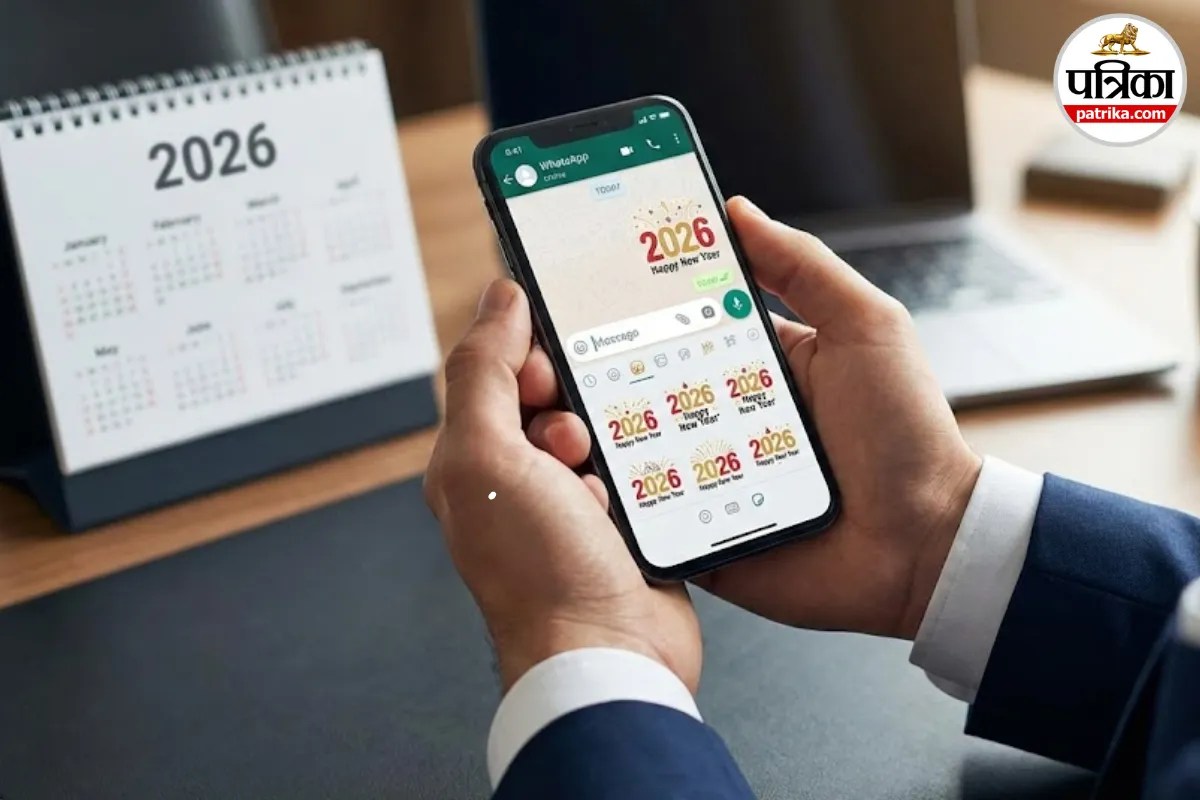
WhatsApp Happy New Year 2026 Stickers (Image: Gemini)
The new year is approaching. 2025 is packing its bags, and everyone is ready for the entry of 2026. In this context, a question arises, as it does every year: how to wish someone a Happy New Year? The same old "Happy New Year" message, or copying and pasting a long message from someone else? Honestly, that doesn't hold the same charm anymore.
This is where WhatsApp's new trick comes in handy. This time, the platform has launched a special Happy New Year 2026 sticker pack, which makes your greetings a bit more colourful, a bit more fun, and completely fresh. Instead of words, you'll now see dancing cartoons, sparkling balloons, and fireworks.
Looking at this pack, it's clear that it has been designed with a party mood in mind. Familiar WhatsApp characters are seen wearing party hats. There are colourful balloons, the sparkle of fireworks, and the year 2026 written in large letters.
The good news is that some stickers are animated, meaning they have a slight movement that brings the chat to life. And yes, their size has been kept small. This means even if your internet is slow, you won't have to wait long to download them.
You don't need to install any separate app for this. Everything is within WhatsApp itself. Just follow these steps.
If you're not with your friends on New Year's and are connected via your laptop (WhatsApp Web), the method is even easier. The best part is that if you have downloaded these stickers on your mobile, you don't need to do any extra work on your laptop. WhatsApp automatically syncs them. As soon as you download them on your phone, they will automatically appear on your desktop app or web version. So, this year, say goodbye to old methods and celebrate 2026 with these new stickers.
Big News
View AllTechnology
Trending