28 October 2026,
Wednesday

28 October 2026,
Wednesday
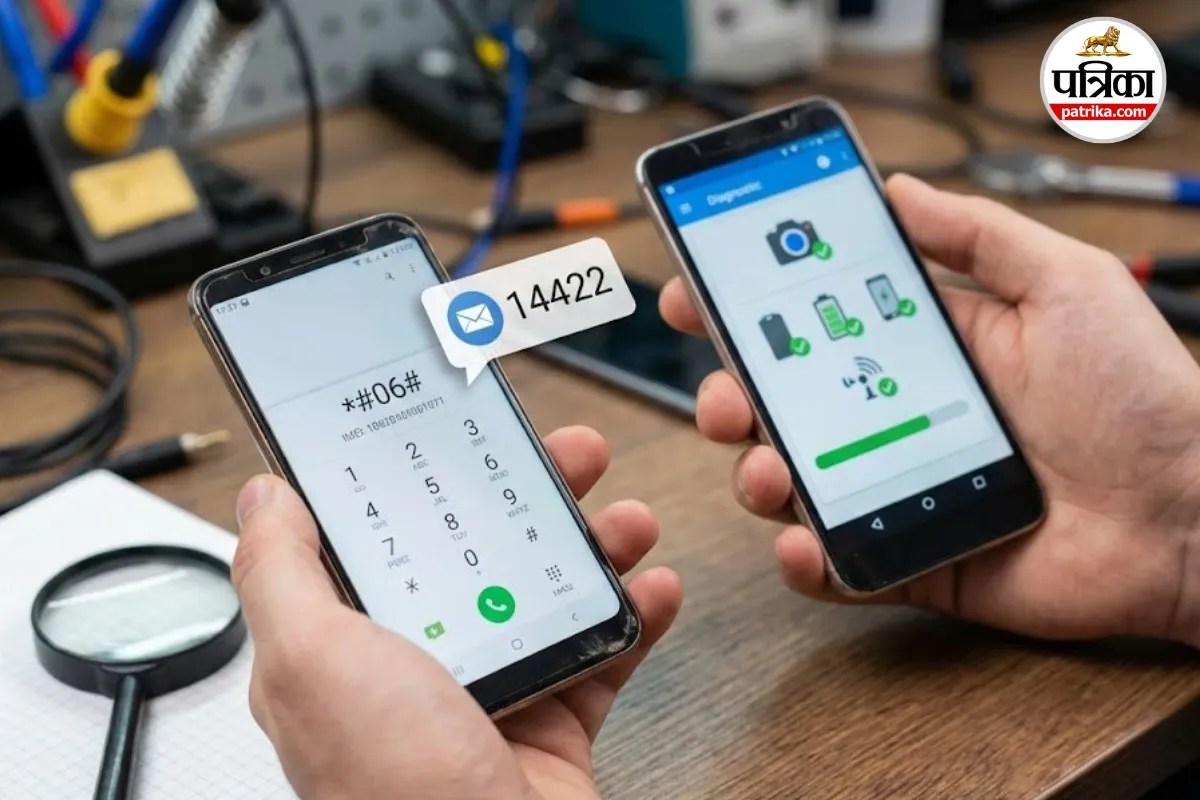
How to Check Second Hand Phone (Image: Gemini)
Everyone wants to buy a new smartphone, but budget constraints often get in the way. In such a situation, buying a second-hand or used phone seems like a sensible decision. But wait... stolen phones or phones with internal defects are also being sold openly in the market. If you buy a phone without proper inspection, your money could be lost, and you might even get into legal trouble.
Don't panic; you don't need to take the phone to a mechanic when buying a used one. Just follow these two simple methods, and the complete history of the phone will be revealed to you.
First, it's crucial to ensure that the phone you are buying is not blacklisted or stolen in police records. For this, the Indian government's KYM (Know Your Mobile) service is the best option.
Within a few seconds of sending the message, you will receive a reply. If the phone's status in the reply shows 'Blacklisted' or any other issue, understand that something is amiss. Immediately abandon such a phone.
The phone might look pristine from the outside, but its sensor, camera, or speaker might not be functioning correctly. If you are buying a phone from brands like Oppo, Vivo, Realme, or OnePlus, a special feature will help you.
How to Check: Phones from these brands usually have a pre-installed app called Phone Manager (in Vivo, it's called iManager). Open this app. In the top right corner, you will see three dots or a menu. Go there and select the Diagnostics option.
As soon as you activate it, the phone will automatically start testing all its components. Within a few minutes, you will get a report indicating whether the phone's touch screen, camera, battery, and buttons are in working condition.
When buying a used phone, don't just rely on the software. Try charging the phone to see if the battery charges properly. Also, insert a SIM card and make a call to check the voice quality. If the seller provides the original bill for the phone, it is the safest deal.
With a little caution, you can not only save your money but also get a fantastic working phone.