30 May 2026,
Saturday

30 May 2026,
Saturday
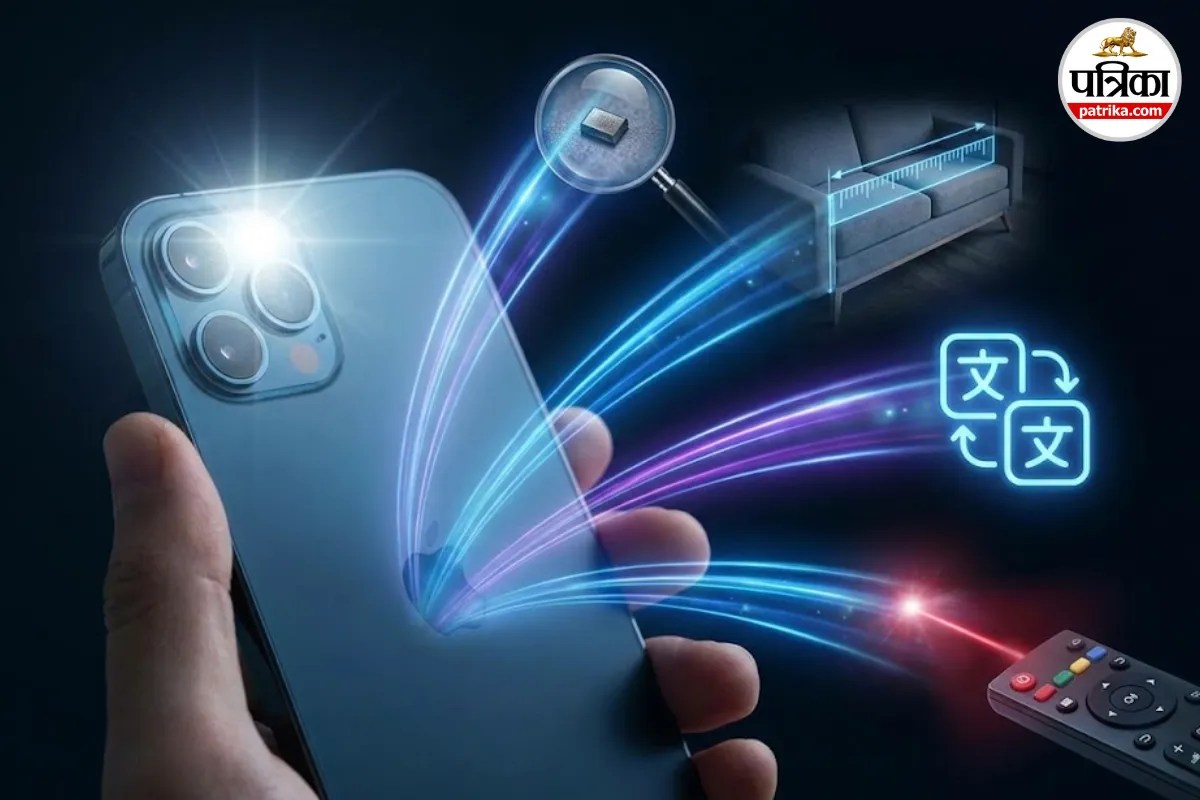
Smartphone Camera Hacks for Daily Life (Image: Gemini)
When we buy a new smartphone, the first thing we check is its camera. How are the photos coming out? Or is the face clear in the selfie? Our thinking is limited to this. But have you ever thought that the camera you are using only to preserve memories is actually very useful?
Yes, your phone's camera is a tool in your pocket that can handle even the most difficult tasks in an instant. So, today we will tell you about 6 things you can do with your phone's camera, after knowing which you will say, "I wish I had known this earlier."
It often happens that the remote for the TV or AC stops working. We don't understand if the cells are dead or if the remote itself is faulty. The easiest way to check this is on your phone. Just turn on your phone's camera and point it at the front of the remote (where the small light is) and press any button. If you see a blue or purple light emitting from the remote on the camera screen, then understand that the remote is fine, and only the cells need to be replaced.
With age, or often due to low light, it becomes difficult to read the fine print on medicine strips or electricity bills. In such a situation, instead of searching for spectacles, open your phone's camera and bring it close to those letters and zoom in. With the help of autofocus, those small letters will appear clear and large to you. If needed, you can also turn on the flashlight.
Whether it's buying curtains for the house or measuring the length of a new table, we often don't have a measuring tape handy. If you have an iPhone, it comes with a pre-installed app called 'Measure'. Android users can download many such apps from the Play Store. Just point the camera at the object, and your phone will tell you how long or wide it is.
Suppose you have gone to a place where the menu card or signboard is in a language you don't understand. Just open the Google Translate app and point the camera at the text. Like magic, that foreign language will be converted into your chosen language (e.g., Hindi). This feature is very useful when travelling abroad or at a specific restaurant.
Saw a beautiful flower on the way or liked someone's watch, but don't know its name? Just pick up your phone's camera and use the 'Google Lens' feature. It will search for that item on the internet and give you its complete information, price, and even a link to buy it.
Now there is no need to go to a shop to get a document scanned to email or WhatsApp it. Your phone's camera is also an excellent scanner. Most phones nowadays come with an in-built document scanning feature. It automatically detects the corners of the paper and creates a clean PDF file that you can send anywhere.
Big News
View AllTechnology
Trending