26 March 2026,
Thursday


26 March 2026,
Thursday
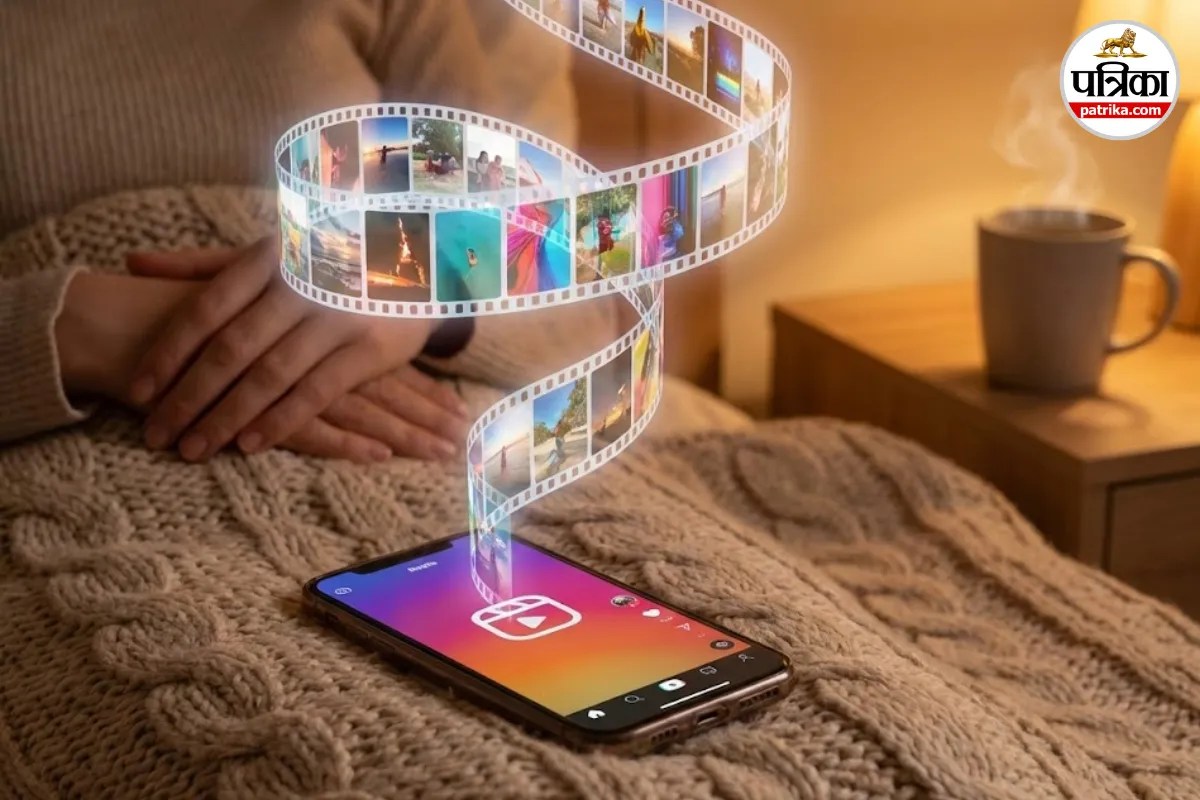
Instagram Auto Scroll Feature (Image: Gemini)
Instagram Auto Scroll Feature: Most parts of the country are currently experiencing winter. In such severe cold, all one wants to do is stay under the blanket. However, this is not always possible. Some people have to go to the office, some to school and college, and others have various errands to run. But when we are under the blanket after a tiring day, there's a unique joy in watching Reels.
Here lies a common problem, which you must have experienced too, right? Having to take your hand out of the blanket to swipe the screen repeatedly. Your hands shiver in the cold, but you still have to swipe to watch the next Reel. If you wish to avoid this hassle, rejoice!
Instagram has launched a feature that is set to completely transform your Reels-watching experience. It's called the Auto Scroll Feature.
In simple terms, you won't have to use your thumb anymore to watch the next Reel. Just like videos automatically play one after another on YouTube, the same will now happen with Reels.
As soon as one Reel ends, the next one will automatically appear on your screen. This means you can now place your phone on a table or a stand and enjoy Reels for hours without touching the screen.
This feature is not just for the lazy; it's a boon for those who multitask.
The interesting part is that although this feature has arrived in the app, it is not enabled by default. You will have to activate it yourself. The method is very simple; you can turn on this feature by following the steps below.
Once enabled, your Instagram will now be hands-free. If it doesn't work even after turning it on, try closing the app completely and reopening it; it should then start working.
Big News
View AllTechnology
Trending